

Connecting to a Backend
Any Agent Canvas frontend can connect to any Agent Canvas backend. Use the backend switcher in the UI to open Manage Backends, where you can add, edit, or remove entries. Each entry stores a display name, host URL, and an API key for authentication.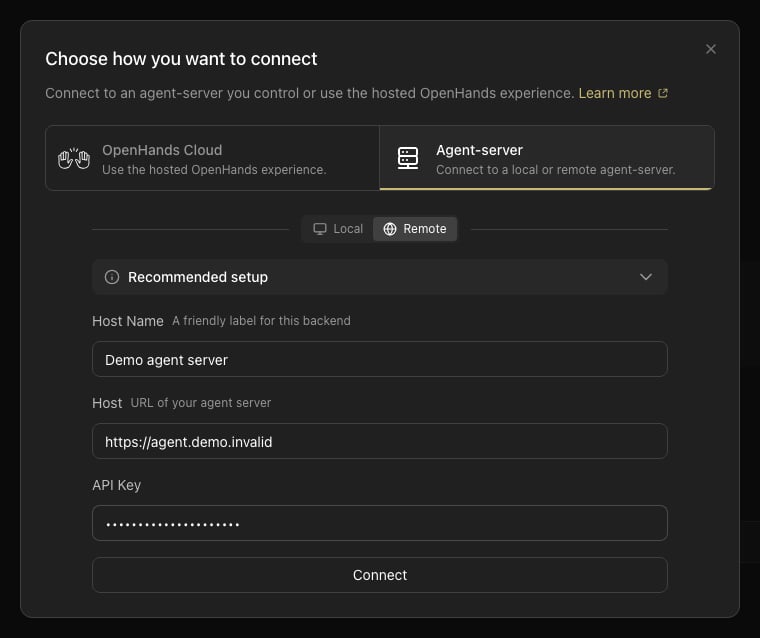
Suspended Workspaces
On cloud and Enterprise backends, an administrator can suspend an organization or one user’s membership in it. When the selected organization is suspended, the backend refuses requests scoped to it with a403 and Agent Canvas replaces the app with a message instead of leaving it open on top of failing requests.
- If the organization is suspended, Canvas shows that the workspace is suspended and asks you to contact your administrator to restore access.
- If only your membership is suspended, Canvas shows that your access to the workspace is suspended.